

Setting Your Yearly Goal
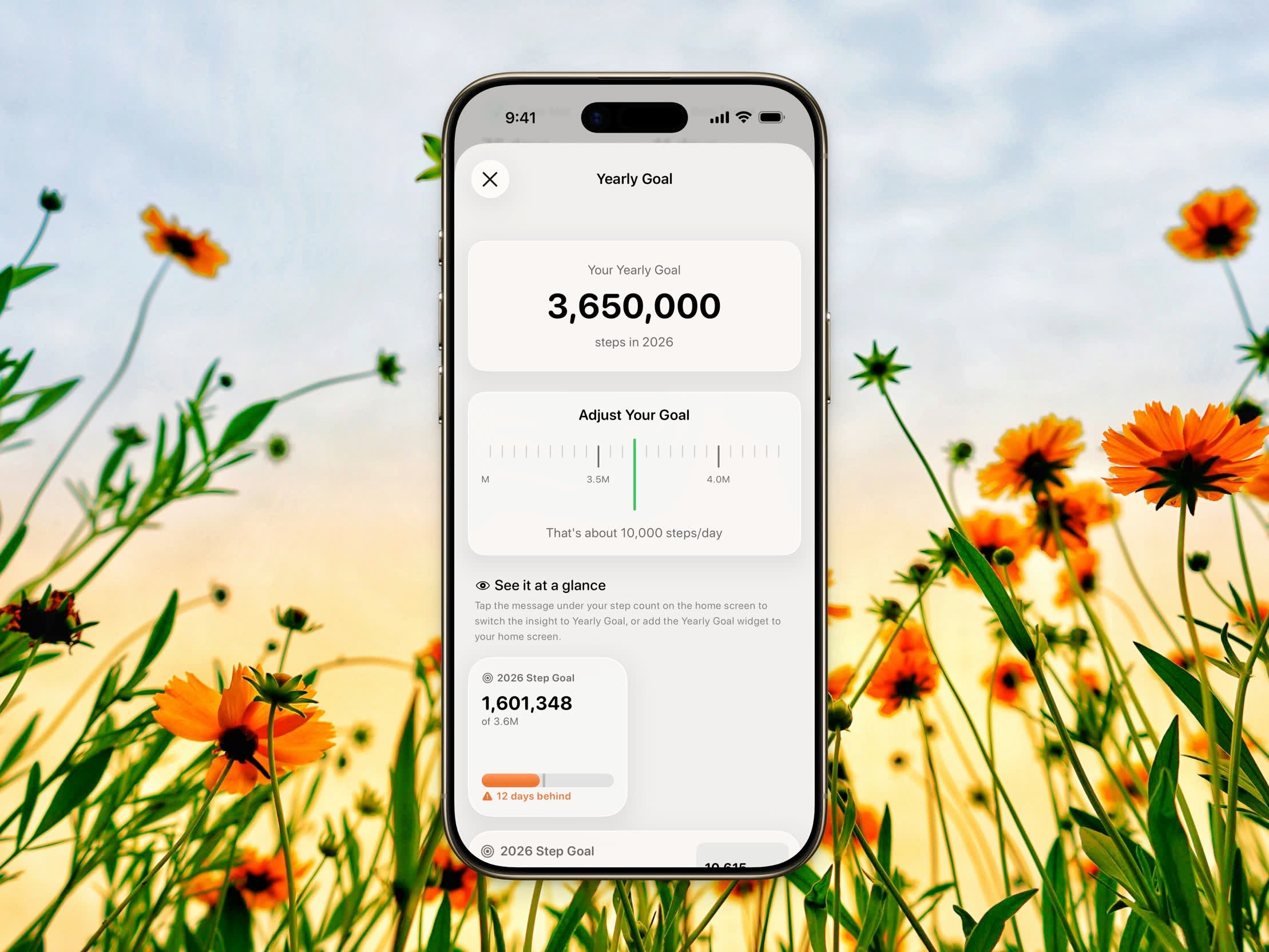
Yearly goal picker showing the daily equivalent
- Open Settings
- Tap Yearly goal
- Use the scroll picker to choose your target, from 500,000 to 10,000,000 steps in increments of 50,000
- The picker shows your daily equivalent — for example, “That’s about 10,000 steps/day” — so you can pick a realistic target
Tracking Your Progress
Insights Card
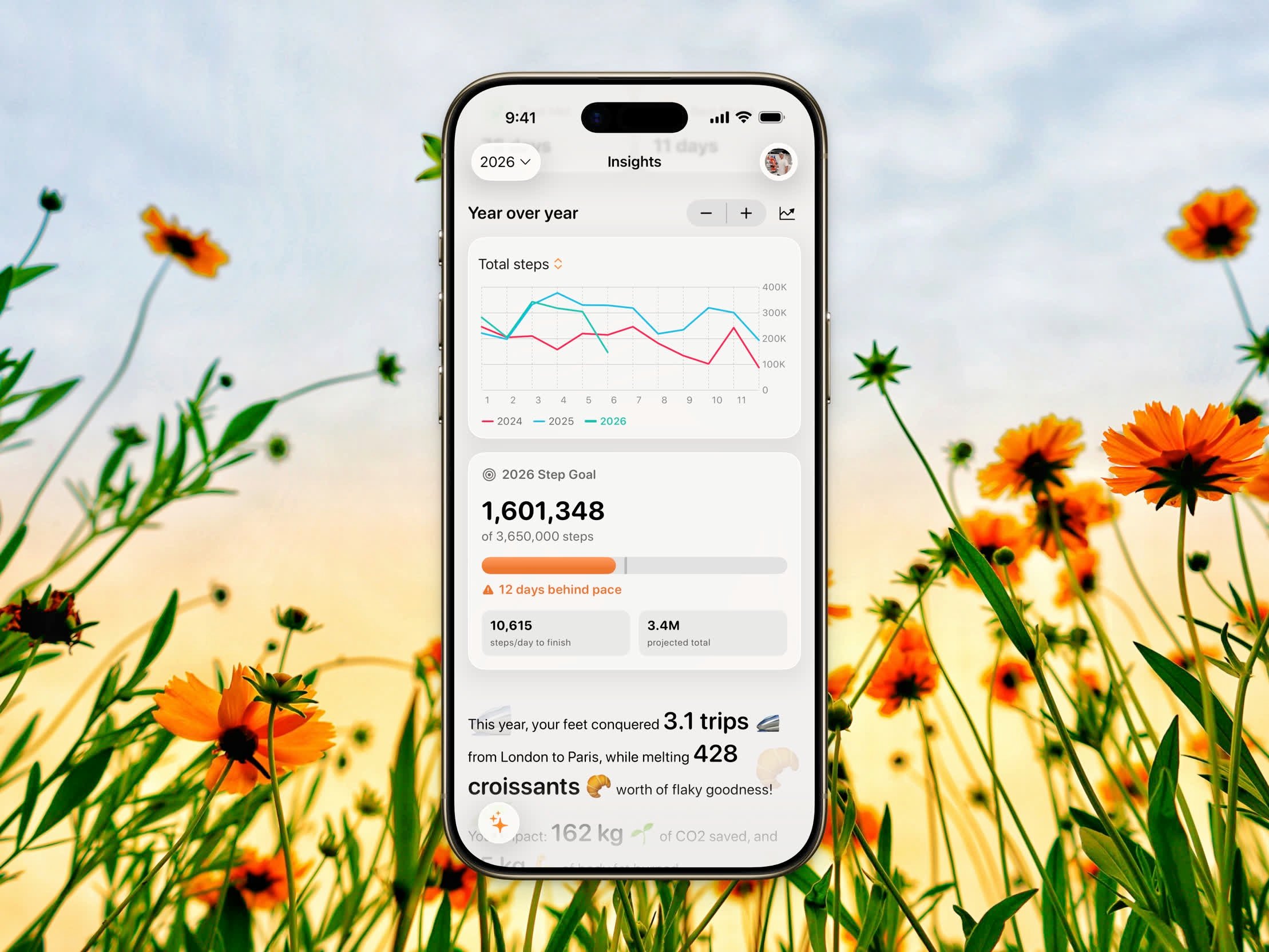
Yearly goal progress card in the Insights tab
- Your steps so far out of your target (for example, 2,400,000 of 3,650,000 steps)
- A progress bar with a pace marker showing where you should be today to stay on track
- A status line — On track, On track, N days ahead, N days behind pace, or Goal reached on MM/DD
- While you’re still working toward it: the steps per day needed to finish and your projected year-end total
- Once you’ve hit it: how far past your goal you are and the day you reached it
Home Insight
Switch the home insight to Yearly Goal mode to see your yearly progress right under your step count on the Home Dashboard. It shows a slim progress bar with the pace marker plus two key stats — steps per day to finish and your projected total, or your overage and finish date once you’ve reached the goal. Tap the insight to cycle modes, or choose it in Settings → Home insight.Yearly Goal Widget
The Yearly Goal widget is a Pro feature. Setting your yearly goal and viewing it in Insights and the home insight are free.
- Small — the year, steps so far, a progress bar, and a short status
- Medium — the same, plus stat tiles for steps per day needed and your projected total