

Calendar View
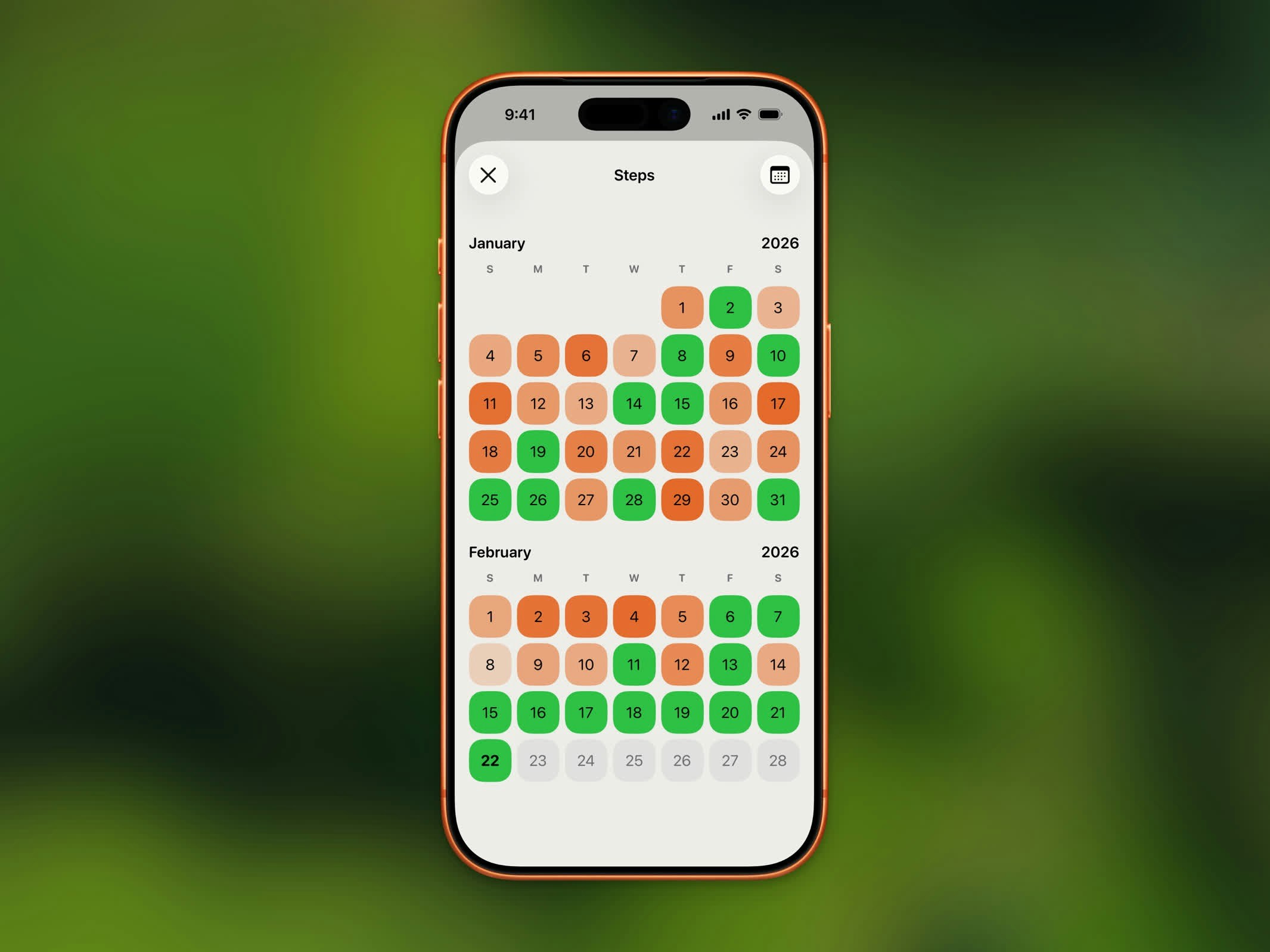
History calendar view showing daily goal completion
- Goal met - Highlighted in your completed theme color
- Partial progress - Lighter shade based on percentage completed
- No data - No highlight
List View
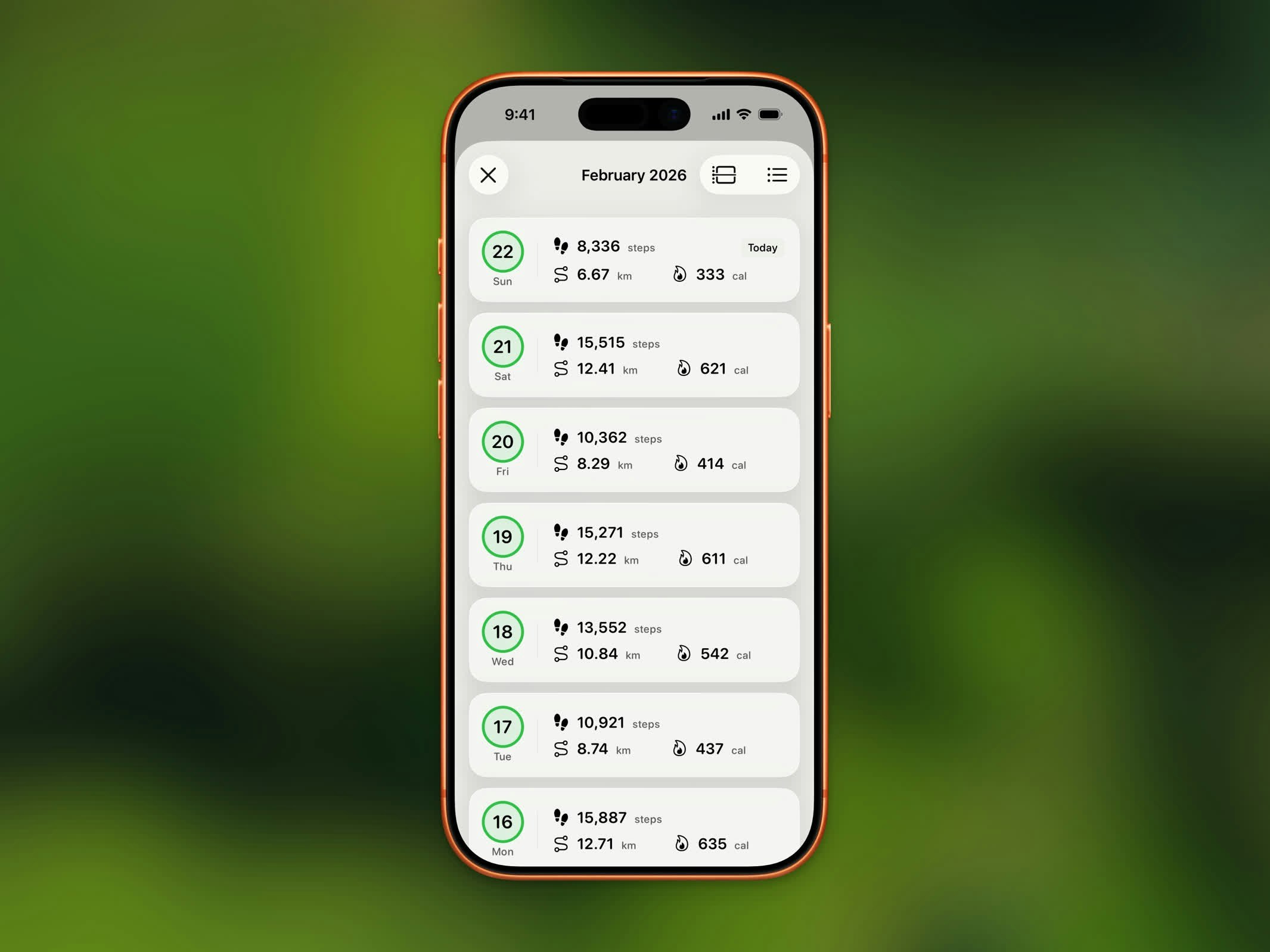
History list view with step counts and goal indicators
- Date
- Step count
- Distance
- Whether you met your goal
Month Navigation
Use the month navigation controls to jump between months. Each month shows a summary of your activity for that period.History Limits
Upgrade to Steps Pro to browse your complete step history beyond the last 3 months.
Switching Views
On iOS 26 and earlier, use the menu button in the top-right corner to switch between the two layouts:- Calendar - Month-by-month grid with daily step counts, goal colors, and workout icons
- List - Chronological list of your daily records