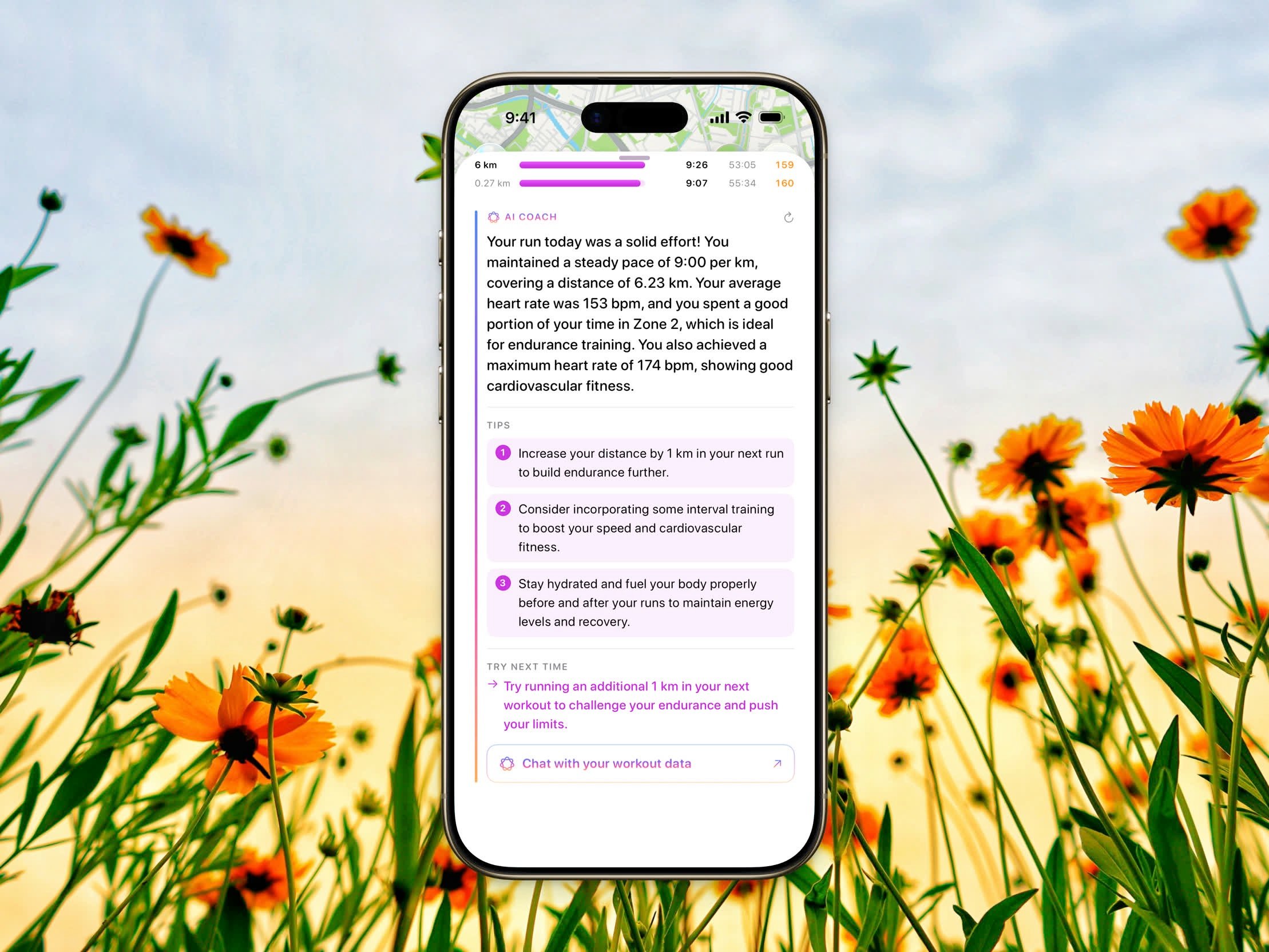
Get personalized, on-device feedback and tips on every workout
AI Coach reads your workout and gives you personalized feedback — a short assessment, numbered tips to improve, and a suggestion for next time. The assessment opens inside Workout Chat, not as a separate block on the detail screen.
AI Coach uses Apple Intelligence on an iPhone that supports it, on iOS 26 or later. On iOS 27, feedback can use Private Cloud Compute. The assessment is free for everyone; Tips and Try next time require Steps Pro.
AI Coach feedback with numbered tips inside Workout Chat
Open any workout from your history and tap the Apple Intelligence button on the workout header. Once your workout metrics finish loading, AI Coach generates feedback from that activity — including heart rate, pace, splits, distance, elevation, and duration — and from your recent history of the same kind of workout.The feedback is tailored to the type of workout, so the advice you get for a run differs from a ride or a strength session. Very short sessions still open the chat, but a full assessment waits until the workout is long enough to say something useful.