

Notification Types
Each type can be turned on or off independently in Settings → Notifications.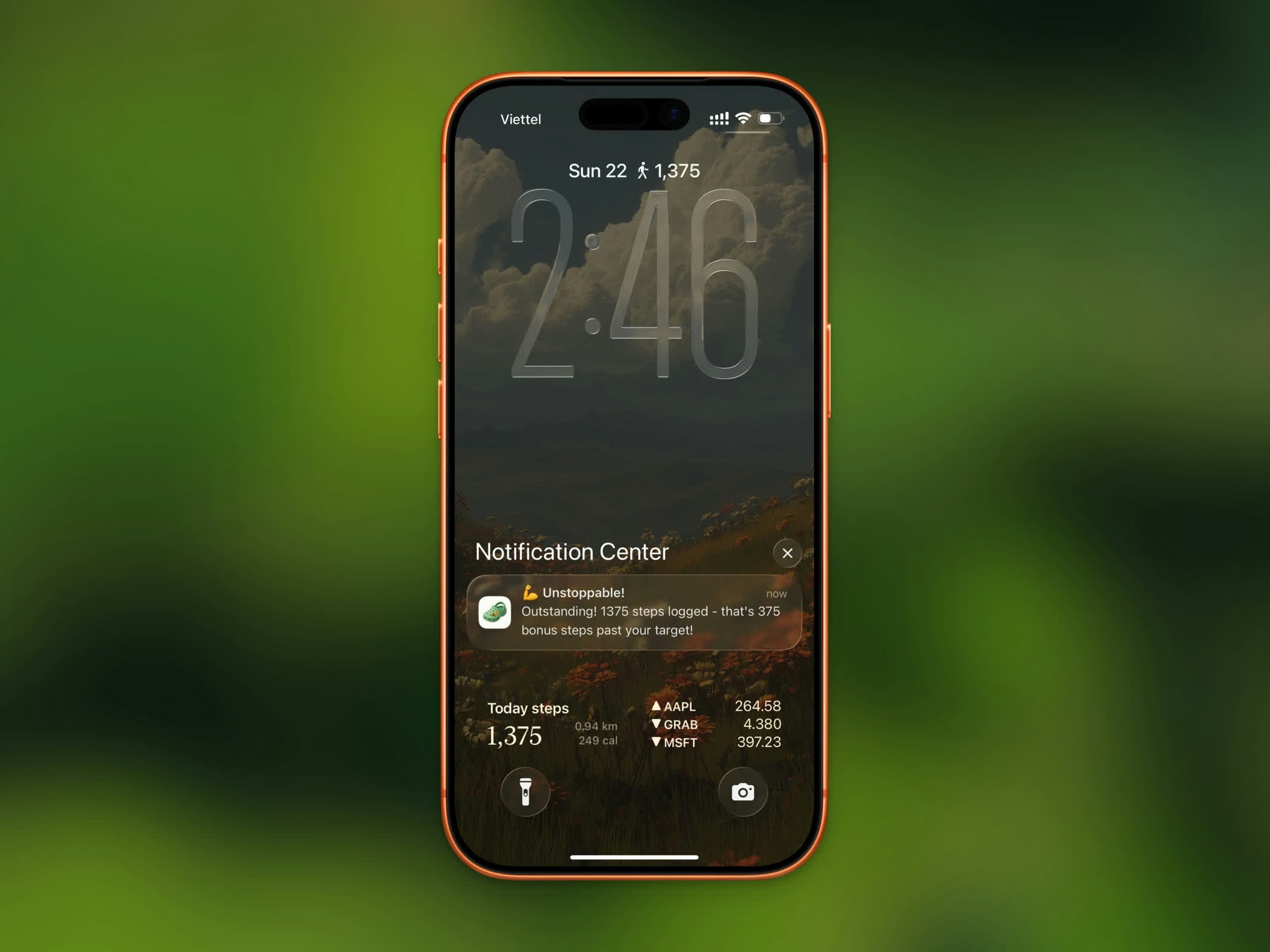
Steps goal achievement notification
Goal Achievement
Triggered when your step count reaches your daily goal — a celebratory message with your achievement. This setting also sends a progress update as you approach your goal, showing your current percentage and how many steps remain. Each is sent at most once per day.Workout Completion
Sent after you finish a workout session. Includes your workout duration and distance covered. The message varies based on workout type (walking, running, or cycling).App Unlock
If you use App Lock, you’ll receive a notification when your step goal is reached and your locked apps are unblocked. Sent at most once per day.Daily Reminders
Optional nudges in the morning, afternoon, and evening to keep you moving toward your goal.Humor
On the Notifications screen, a Humor slider sets the tone of copy that Apple Intelligence writes for you. Drag it from warm to theatrical:
A preview on the card shows a sample title and body for the level you picked.
Enabling Notifications
- Open Settings in Steps
- Toggle Notifications on
- Allow notifications when prompted by iOS