

Workout Types
You can start 15 workout types from your iPhone, Apple Watch, or the Start Workout widget. Walking, running, and cycling each have an indoor and an outdoor variant. The rest are a single type:Starting a Workout
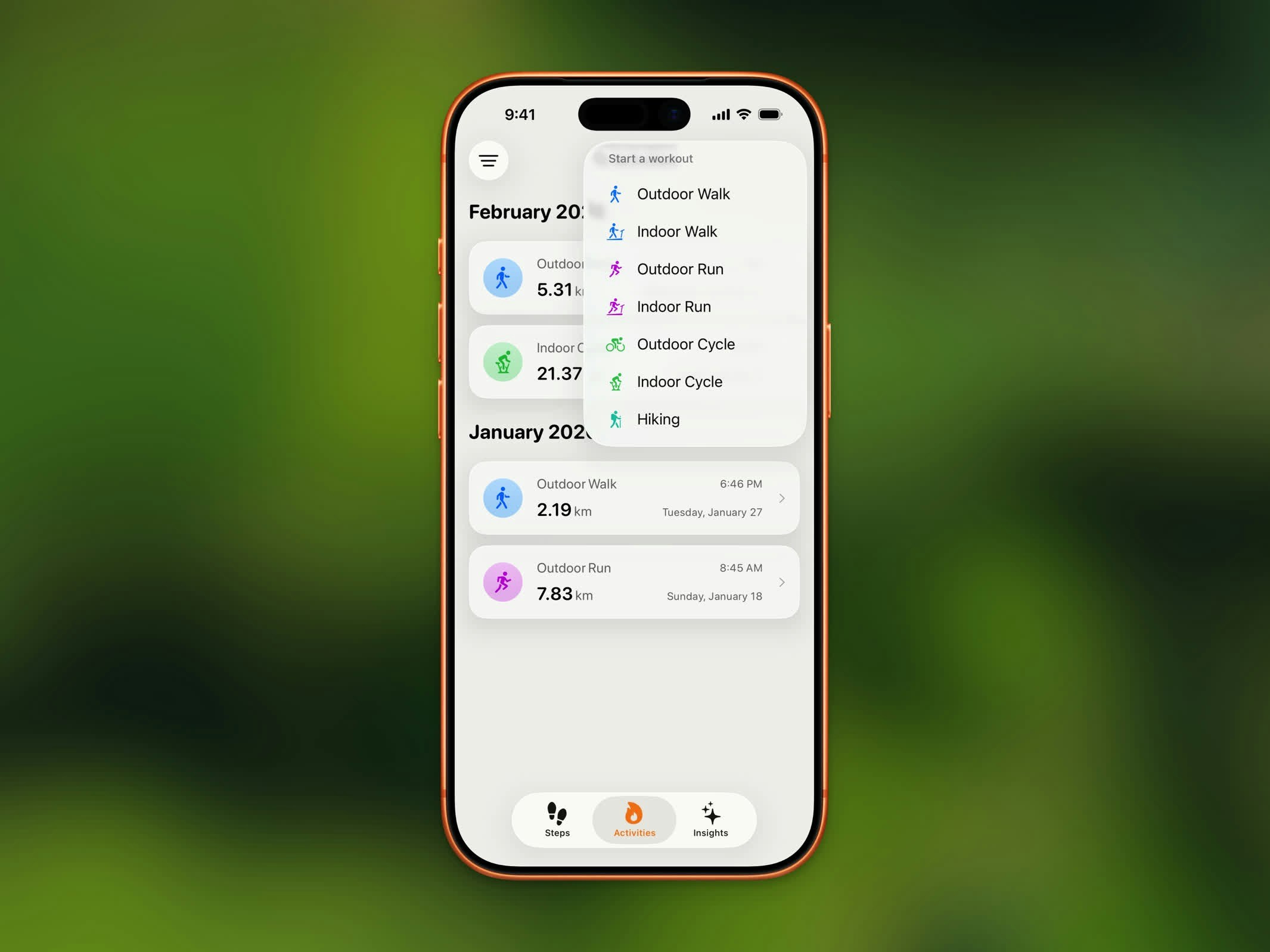
Workout type selection with walking, running, cycling, and hiking options
- Tap the workout button from the Home Dashboard, or the Start Workout widget
- Select your workout type and variant
- A countdown appears before tracking begins
- Start moving!
Live Tracking
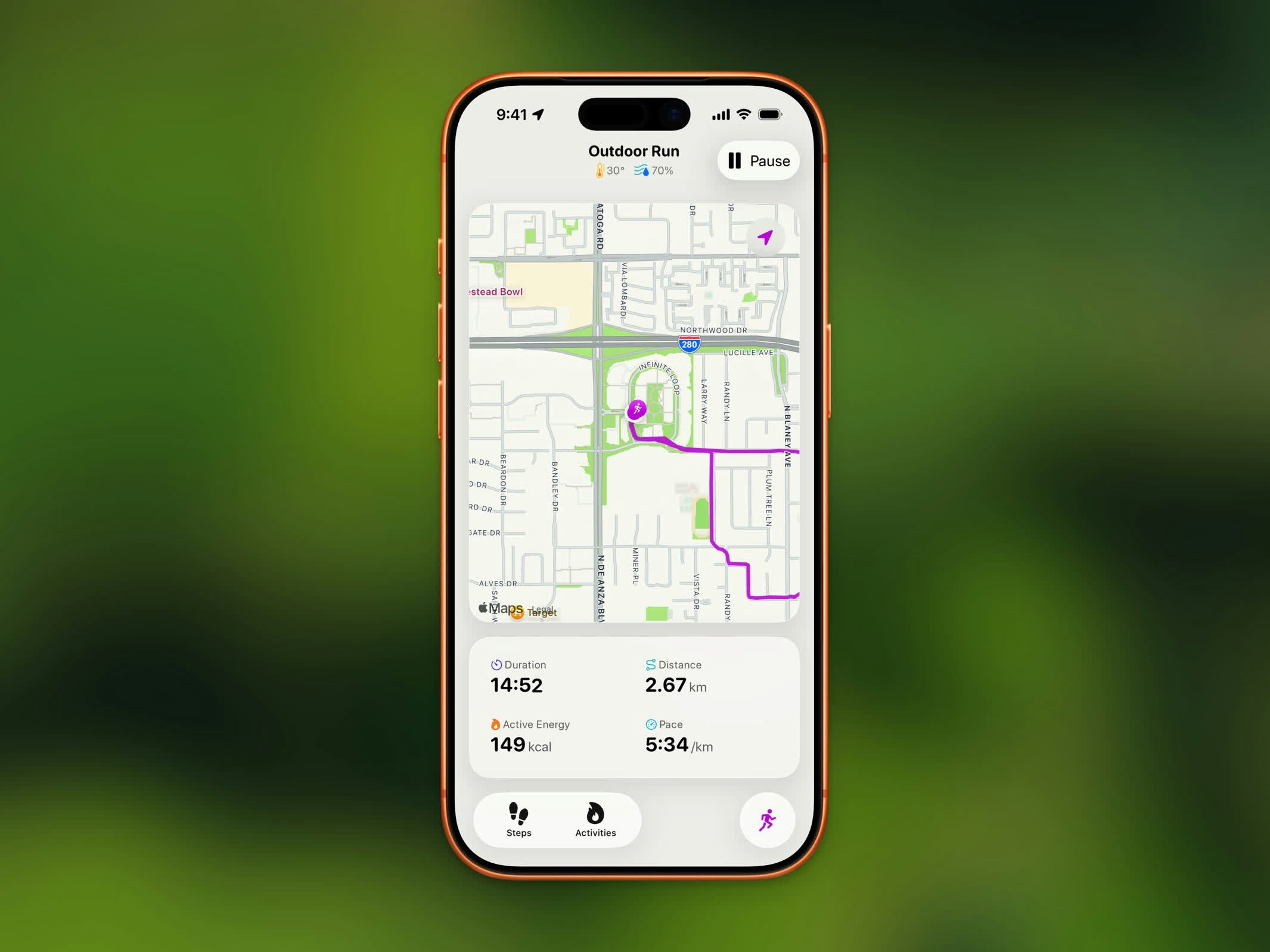
Active outdoor workout with live map, distance, pace, and calories
- Live Map - Your route drawn in real-time with the workout’s color
- Duration - Elapsed time
- Distance - Total distance covered
- Steps - Your step count, updating live on iPhone and Apple Watch
- Calories - Active energy burned
- Pace or Speed - Walking/Running shows pace; Cycling shows speed; Hiking shows heart rate
Pause, Resume, and End
- Tap Pause to temporarily stop tracking
- Tap Resume to continue your workout
- Tap End (available when paused) to finish and save
Live Activity
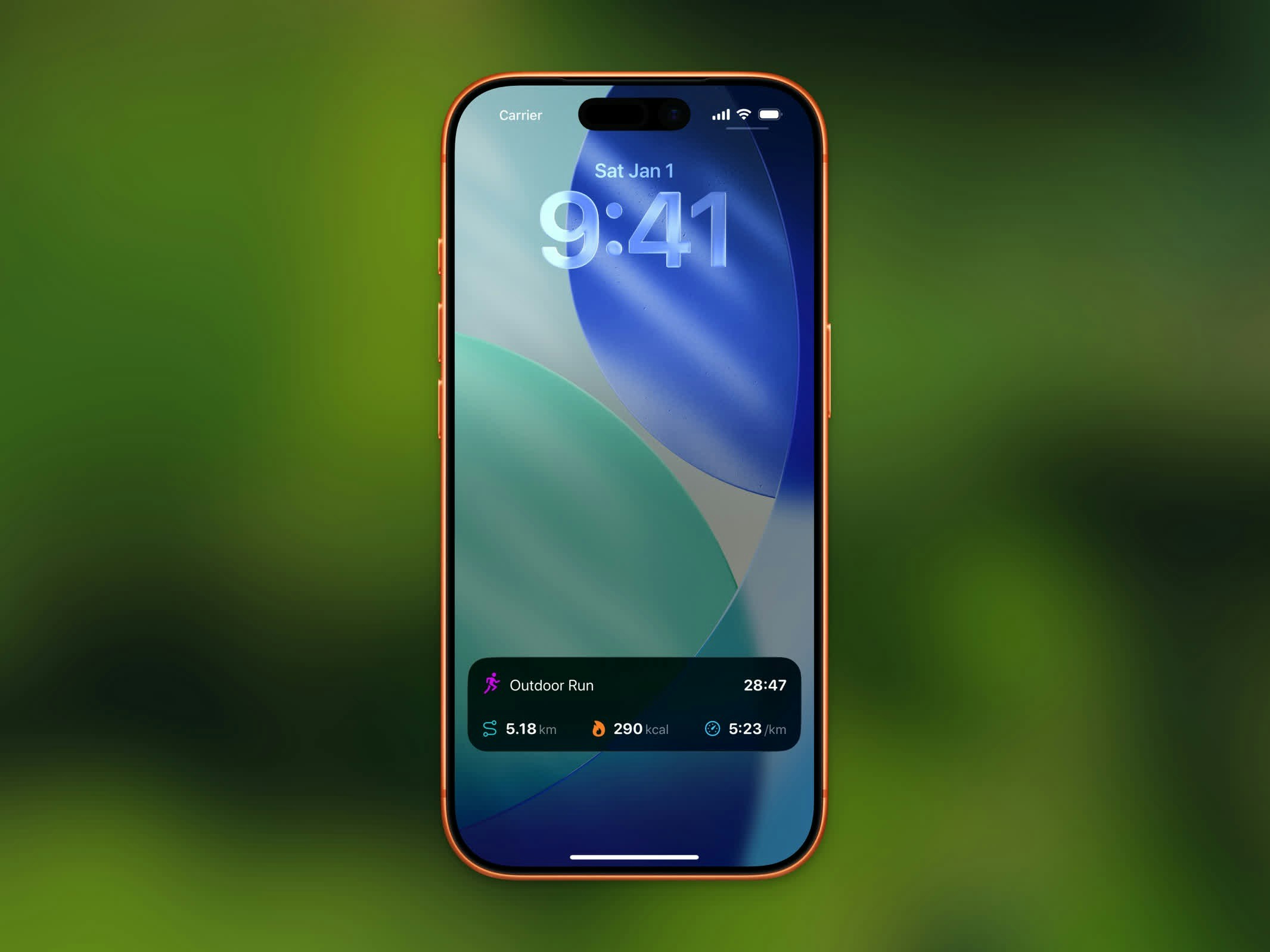
Workout Live Activity in Dynamic Island and Lock Screen
- The Dynamic Island cycles between calories, distance, and elapsed time every 30 seconds
- The expanded view shows distance, active energy, pace, and elapsed time
Live Activity for workouts requires iOS 26 or later. On iOS 27, an active workout also appears in the landscape Dynamic Island and in StandBy.