

App Lock is a Pro feature.
How It Works
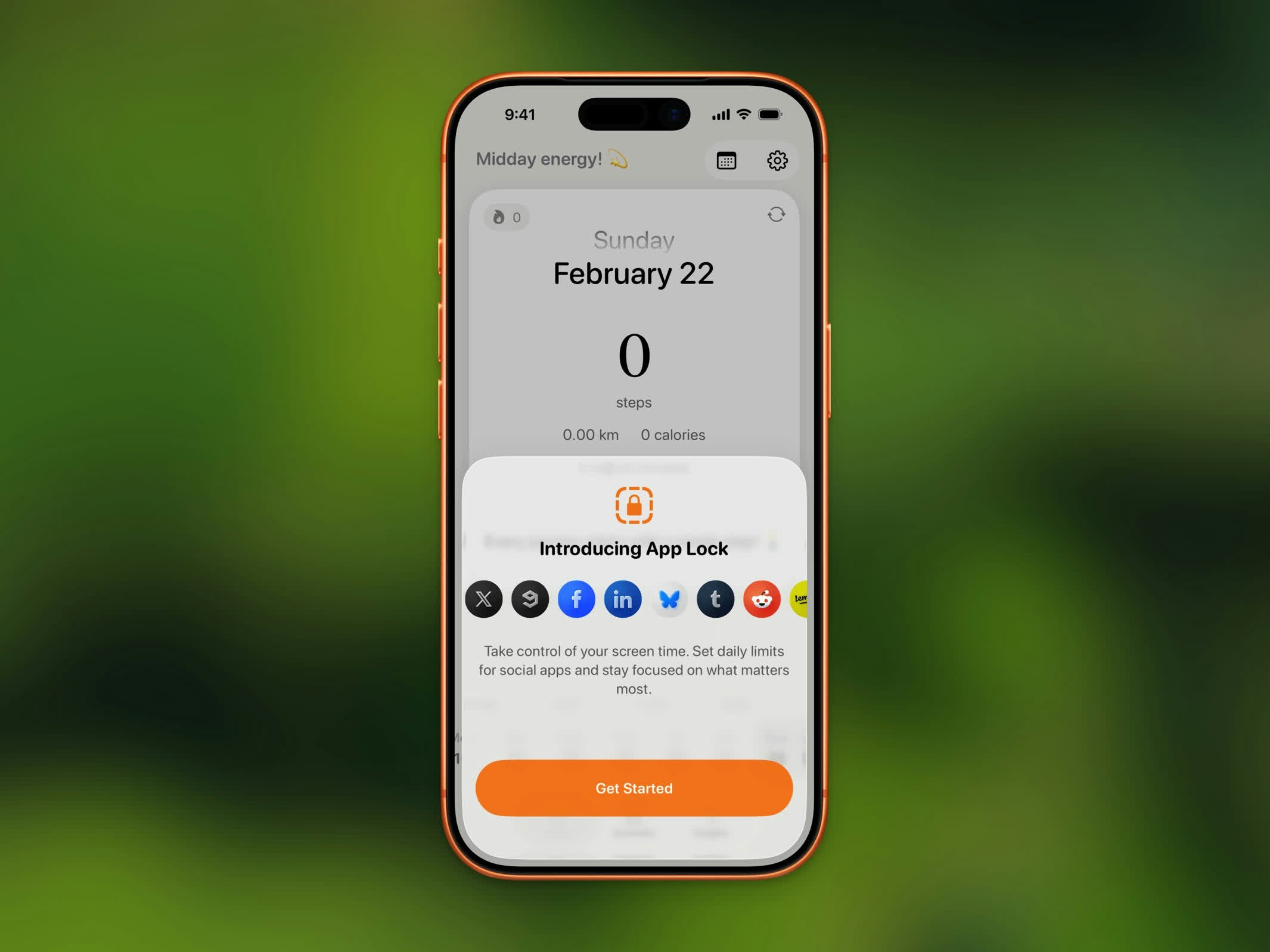
App Lock blocking apps until daily step goal is reached
1
Enable App Lock
Go to Settings > App Lock and turn it on. Steps will request Screen Time authorization.
2
Choose Apps to Lock
Pick the apps and app categories you want to block using Apple’s app picker. Social media, games, and entertainment apps are popular choices.
3
Walk to Unlock
Locked apps are blocked with a shield until you reach your daily step goal. Once you hit your target, all selected apps unlock automatically.
Daily Reset
App Lock resets at midnight every day. This means:- Shields are re-applied at the start of each new day
- Once apps are unlocked, they stay unlocked until midnight — even if you change your goal
- You start fresh each morning
Progress Messages
While apps are locked, you’ll see progress messages encouraging you to keep walking. When you reach your goal, an “Apps Unlocked!” notification lets you know.Mid-Day Goal Changes
- If you lower your goal and your current steps already exceed it, apps unlock immediately
- If you raise your goal, apps remain locked until you reach the new target