

Pro Features
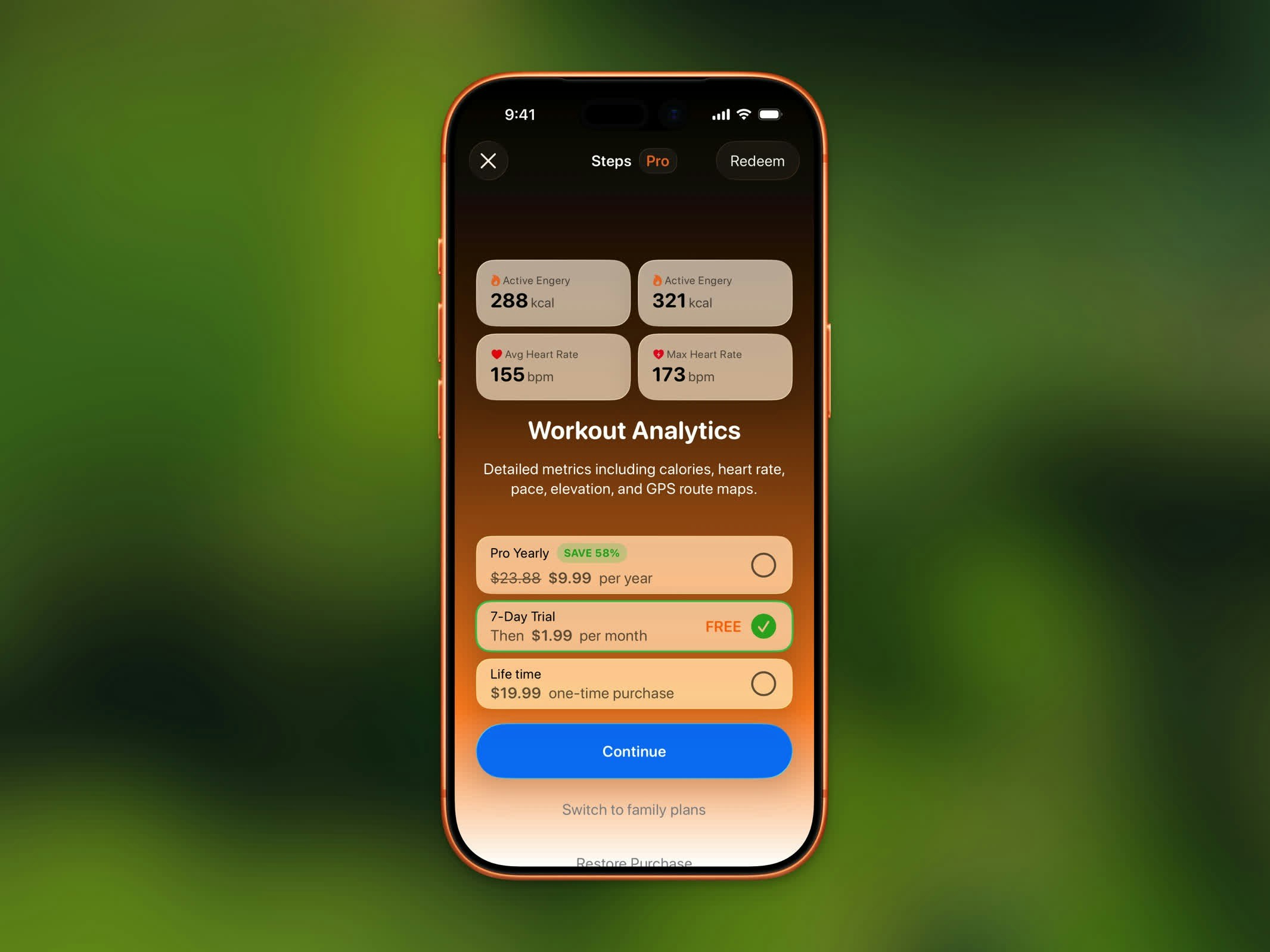
Steps Pro subscription screen
AI Coach
Personalized feedback on every workout, plus on-device chat to ask questions about your activity.
Weekly & Monthly Charts
View your step trends by week and month on the home dashboard.
Advanced Workout Analytics
3D route playback, GPX export, detailed splits and heart rate zones, and saving workout images to Photos.
Unlimited History
Access your full step and workout history. Free users are limited to the last 3 months.
Color Themes
Personalize the app with rich color presets beyond the default.
Alternate App Icons
Choose from the full set of alternate app icons.
Home Screen Widgets
All widget types — including analytics and chart widgets — for your Home Screen and Lock Screen.
App Lock
Block distracting apps until you reach your step goal.
Subscription Plans
Steps Pro is available as individual or family plans:Free Trial
The Monthly plan includes a 7-day free trial. You won’t be charged until the trial ends, and you can cancel anytime during the trial period.Restore Purchase
If you’ve previously purchased Steps Pro:- Open the Steps Pro screen
- Tap Restore Purchase at the bottom
- Your subscription will be restored automatically
Redeem a Code
If you have a promo or offer code:- Open the Steps Pro screen
- Tap Redeem to enter your code
- The subscription will be applied to your account