

Color themes are a Pro feature. Free users use the default Classic theme.
Preset Themes
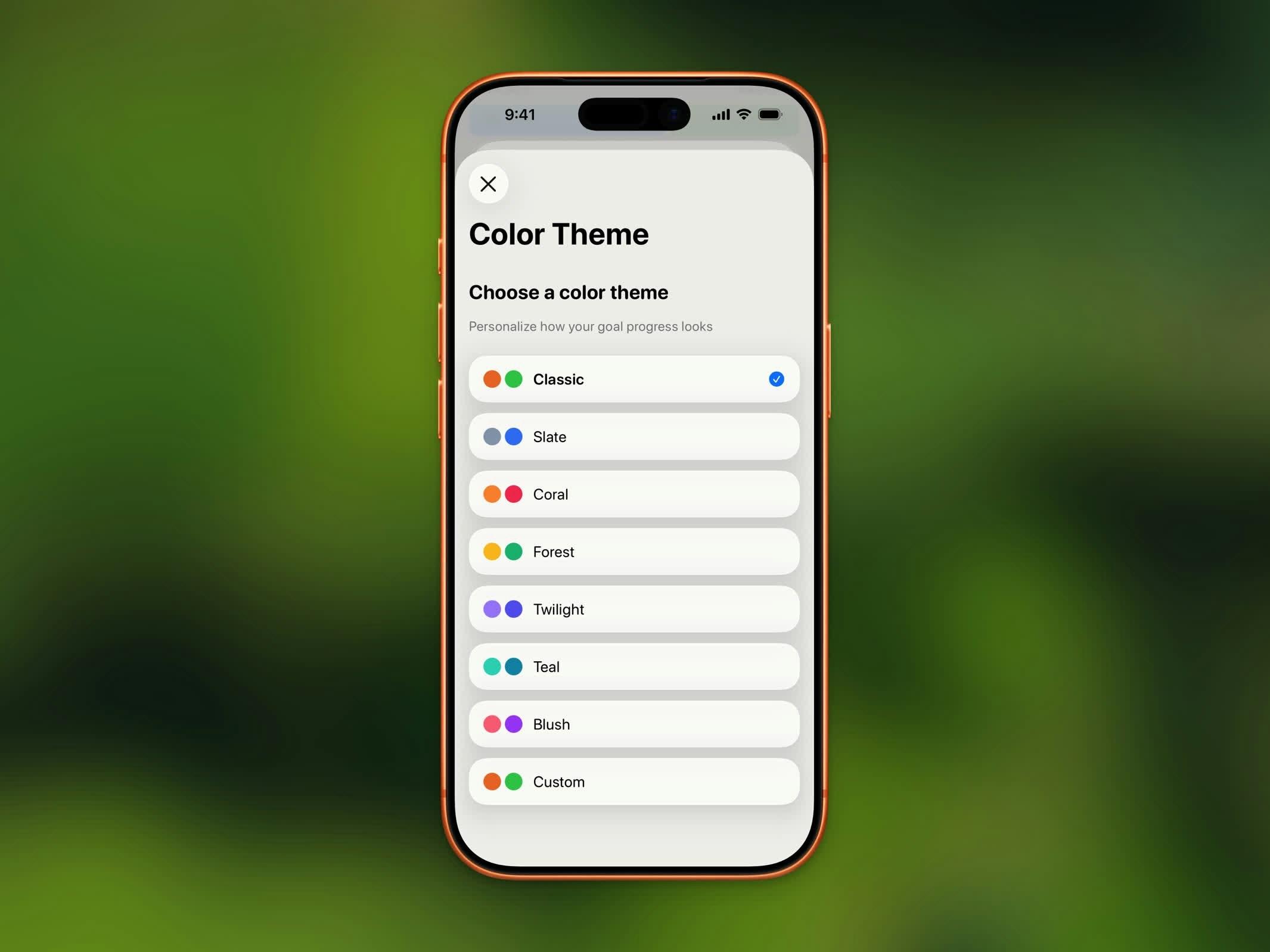
Color theme selector with 12 preset themes and custom option
Custom Colors
Choose your own colors with the custom theme option. You can set separate colors for:- In Progress - The color shown while you’re working toward your goal
- Completed - The color shown once you’ve reached your goal
- Rest Day - The color shown on days you’ve marked as rest days
Where Themes Apply
Your selected theme colors appear throughout the app:- Progress ring on the Home Dashboard
- Chart bars and highlights
- Home Screen and Lock Screen widgets
- Streak badge accents
How to Change Your Theme
- Open Settings
- Tap Color Theme
- Select a preset or tap Custom to pick your own colors