

Viewing Your Workouts
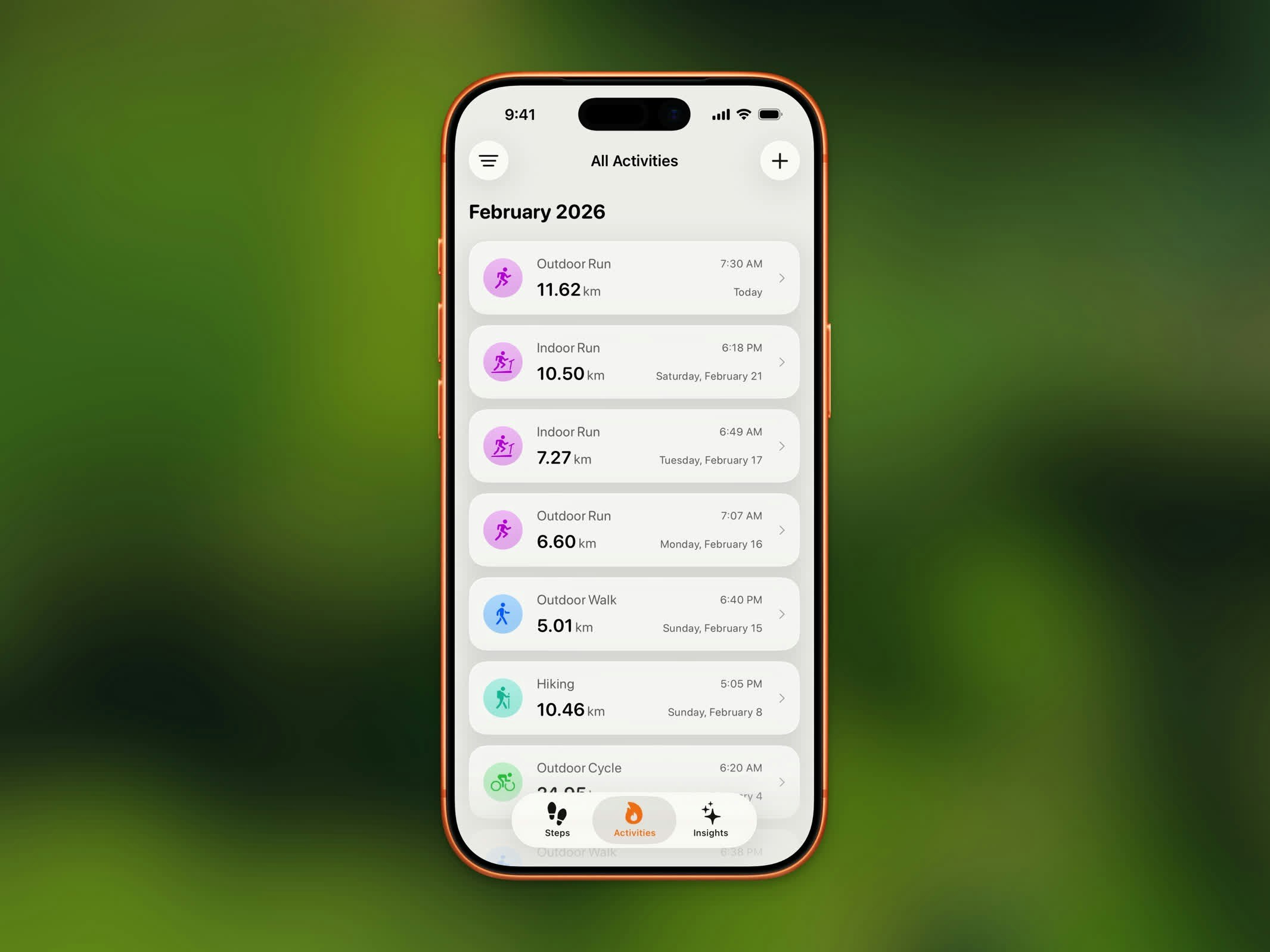
Activity list showing workouts grouped by month
- Workout type and icon
- Duration
- Date and time
- Distance (for outdoor workouts)
Search
The search field at the top of Activity takes a sentence, not just a keyword. Steps turns the phrase into filters with Apple Intelligence. The placeholder cycles through examples such as Morning runs, Runs over 5k, Long rides this month, and My longest workouts. A plain-language line under the field reads the filters back to you, so you can see what the search understood. On iOS 27, parsing can use Private Cloud Compute when it is available, and Siri can open this search for you. See Siri Shortcuts.Filtering by Type
Use the filter chips to show only specific workout types, including walking, running, cycling, hiking, strength training, yoga, HIIT, and the other types Steps reads from Apple Health. This helps you quickly find a specific workout when you have a long history. Search and chips work together: a search settles the matching filters, and you can still narrow them by hand.History Limits
Upgrade to Steps Pro to access your complete workout history beyond the last 3 months.