

Share Styles
Choose from four visual styles when sharing a workout:- Transparent
- Overlay
- Frame
- Photo
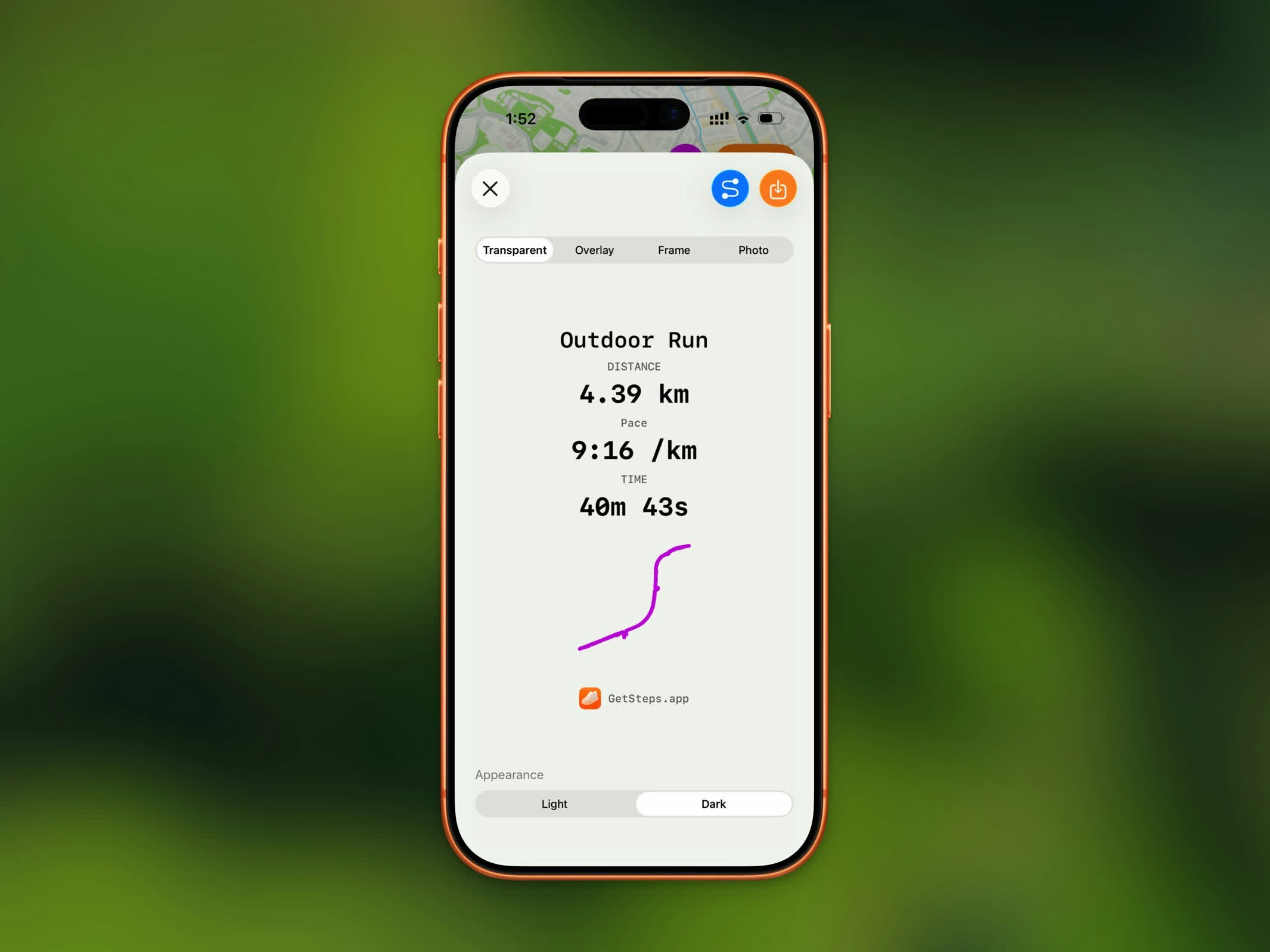
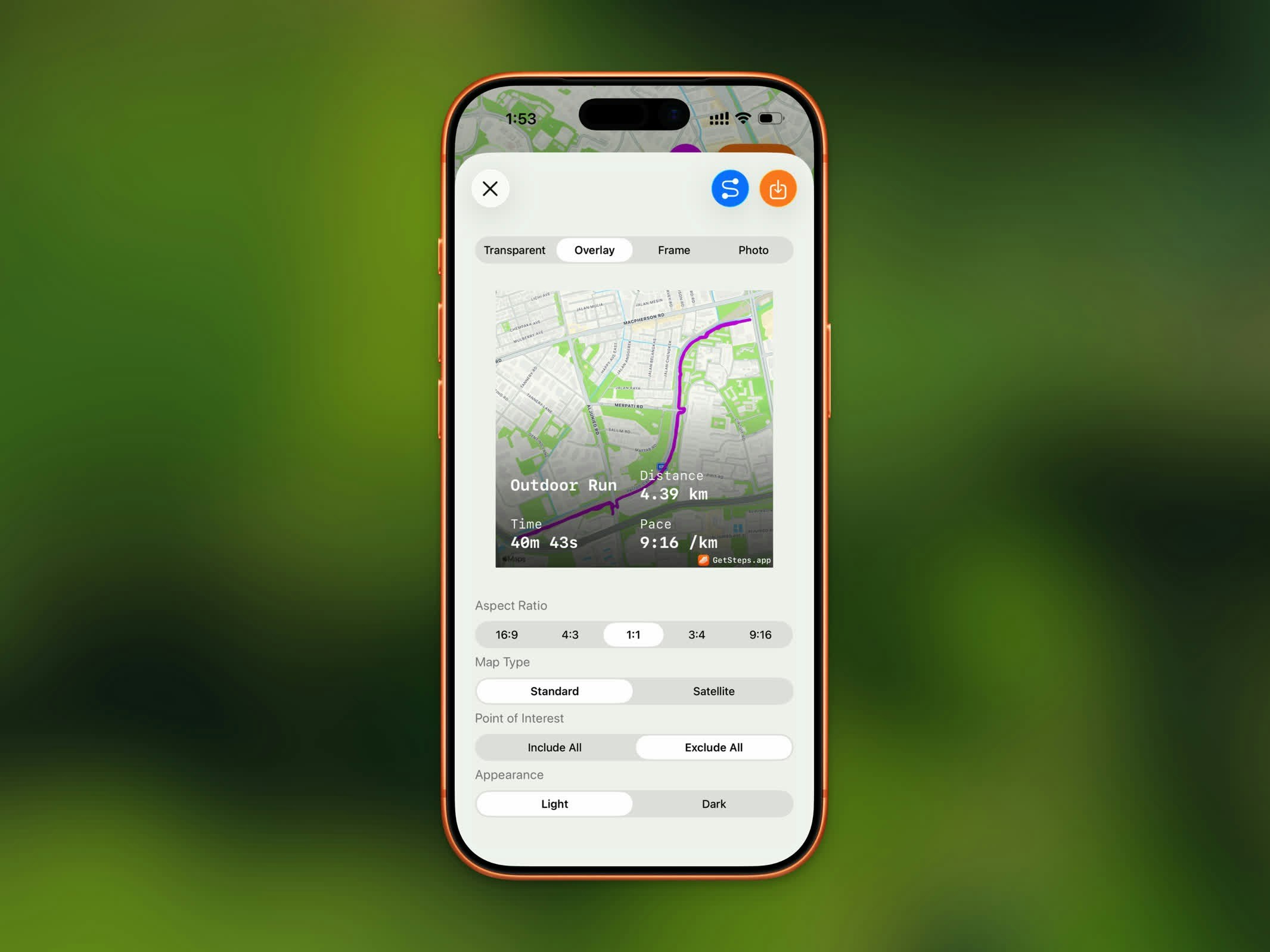
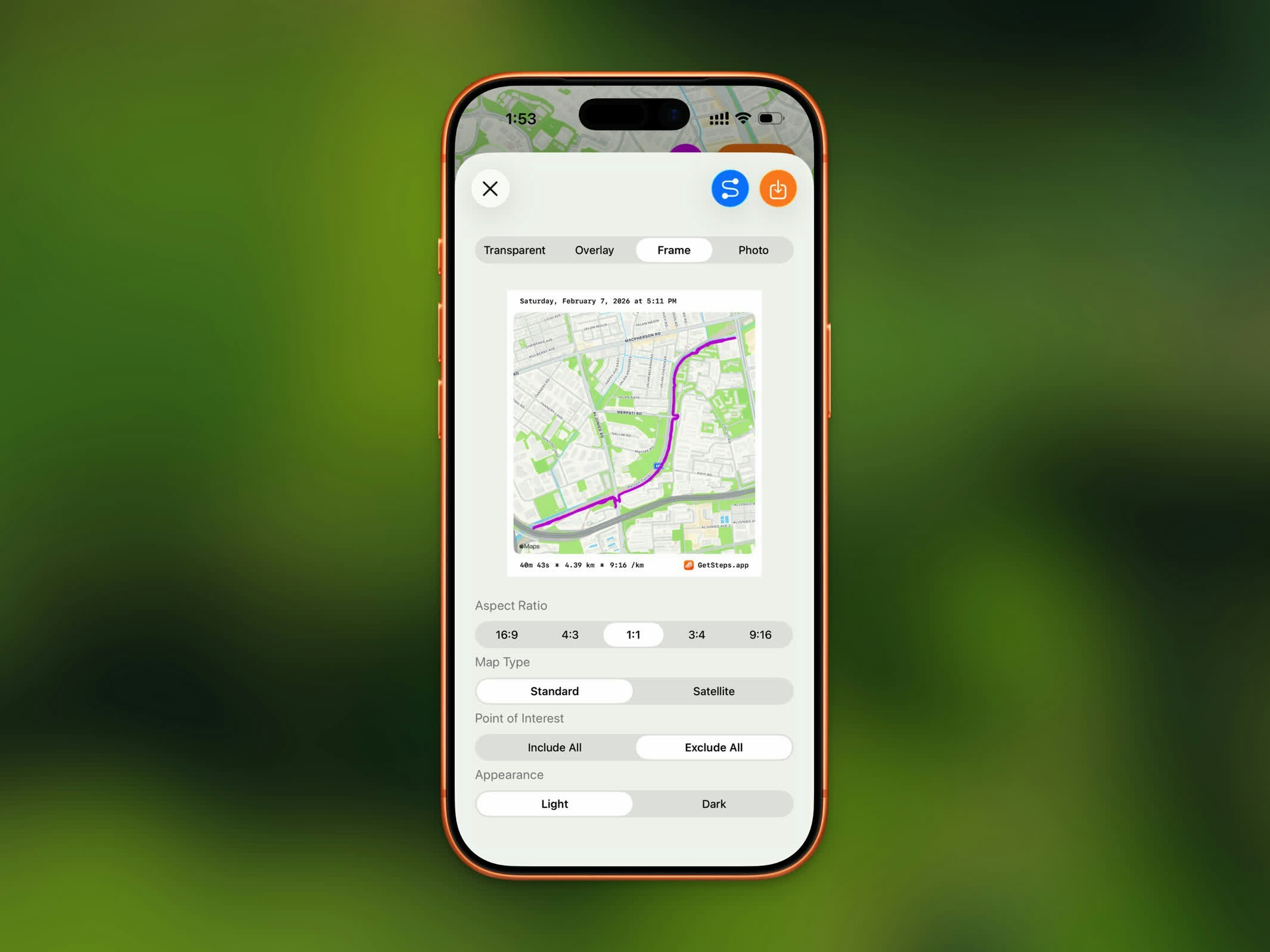
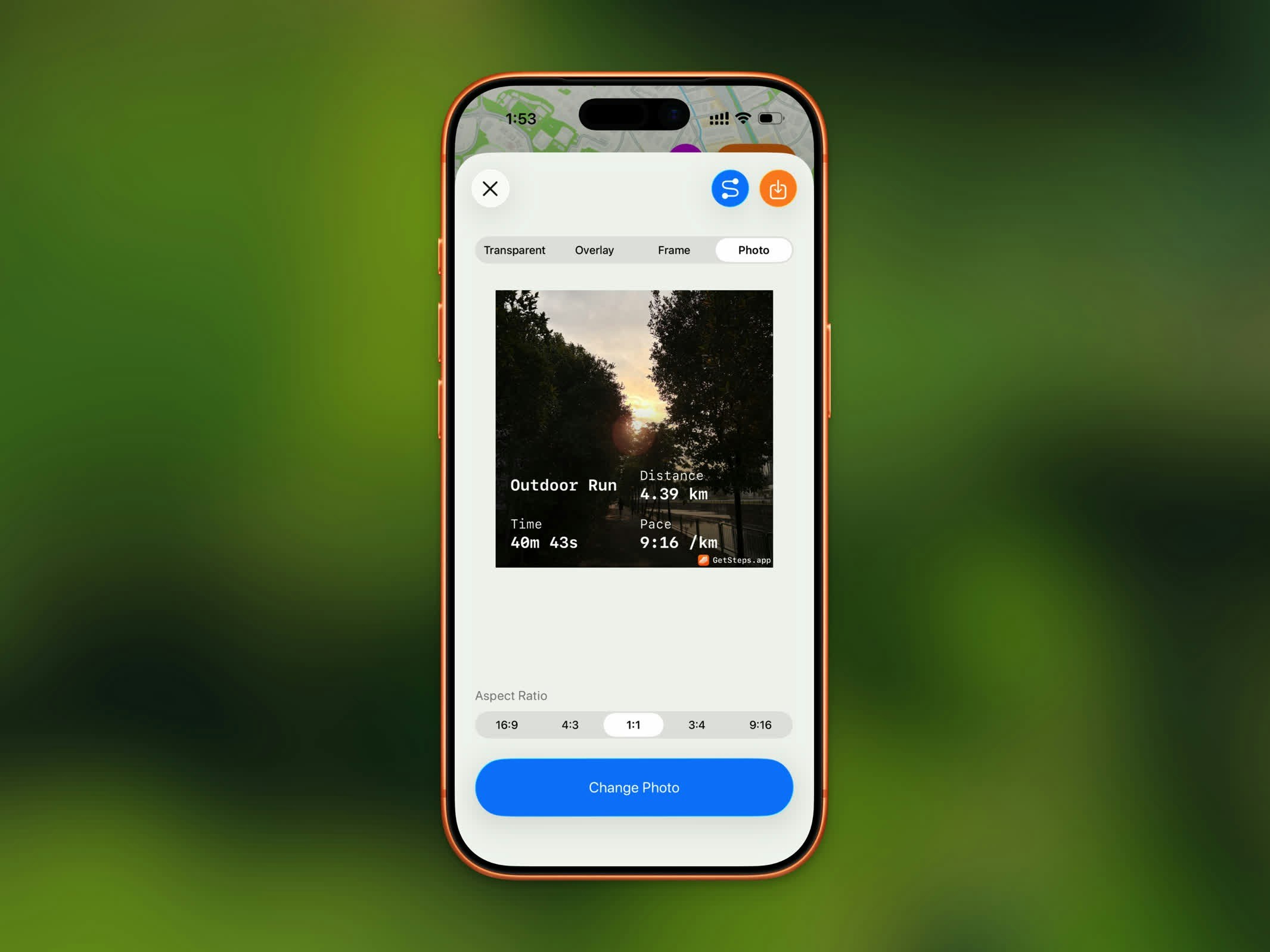
| Style | Description |
|---|---|
| Transparent | Your workout stats on a transparent background, ready to overlay on any image |
| Overlay | Stats overlaid directly on your route map |
| Frame | Your route map with a clean bordered stats frame |
| Photo | Stats overlaid on a photo you choose from your library |
Aspect Ratios
Select the best ratio for your sharing destination:| Ratio | Best For |
|---|---|
| 16:9 | YouTube, landscape posts |
| 4:3 | Presentations, landscape photos |
| 1:1 | Instagram feed, profile pictures |
| 3:4 | Portrait photos |
| 9:16 | Instagram Stories, TikTok, Reels |
Map Options
For Overlay and Frame styles, customize the map appearance:- Map Type - Standard or Satellite
- Appearance - Light or Dark
- Point of Interest - Include All or Exclude All (Standard map only)
- Elevation Style - Flat or Realistic (Satellite map only)
Save to Photos
Saving to Photos is a Pro feature.
GPX Export
GPX export is a Pro feature.
.gpx file for use in other fitness apps, mapping tools, or route planners. The GPX file includes your complete GPS track with timestamps.
Share Your Steps
Beyond workouts, you can share your step count straight from the Home Dashboard. Tap the share button in the top toolbar to open the step share preview.- Photo
- Transparent


| Style | Description |
|---|---|
| Photo | Your step count and top stats overlaid on a photo from your library |
| Transparent | A clean step count on a transparent background, ready to drop onto your own background |
- In Photo mode, choose an aspect ratio (Square, 16:9, 4:3, 3:4, or 9:16) and pick a photo.
- In Transparent mode, choose a light or dark appearance.
Saving the step image to Photos is a Pro feature.