Break the Sitting Cycle
Turn your desk job into a healthier lifestyle with simple step tracking


Office workers sit an average of 8 to 10 hours every weekday, and the research is unambiguous: prolonged sitting increases the risk of cardiovascular disease, type 2 diabetes, and all-cause mortality independent of other exercise habits. Even workers who go to the gym after work spend most of their waking hours sedentary. The solution isn't a complete lifestyle overhaul — it's awareness and small interruptions. Studies show that even 5,000 steps during the workday significantly reduces metabolic risk. Steps gives you the tools to see your inactivity, set realistic movement goals, and build the habit of getting up throughout the day.
Sound Familiar?
- ✓Sitting 8 or more hours daily with no reminders to move or stand
- ✓Don't realize how sedentary the workday actually is until you see the numbers
- ✓Hard to fit exercise into a busy workday between meetings and deadlines
- ✓After-work motivation to exercise evaporates after a long day at the desk
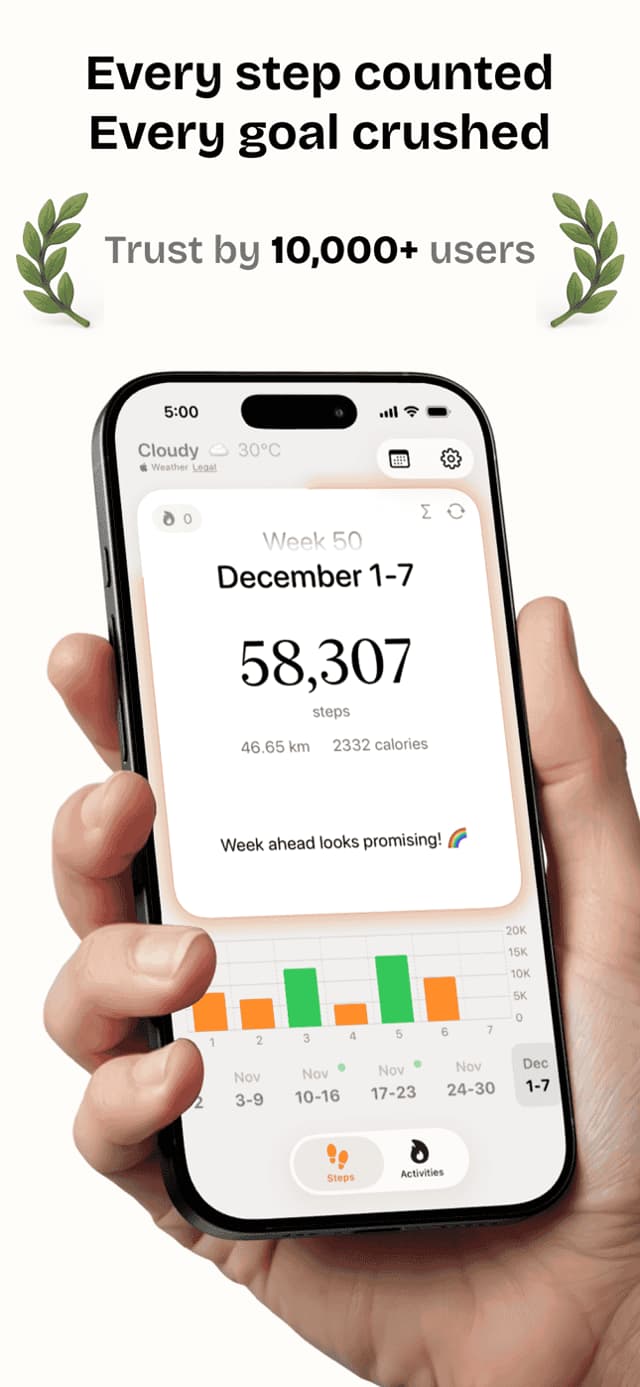
Steps shows your step count by hour so you can see exactly when your day goes sedentary. Set a daily target and use the home screen widget to check your progress without breaking your workflow. Daily streaks make hitting your goal feel like a professional achievement, and over weeks, the charts reveal whether your new habits are actually sticking.
Everything You Need
Hourly Charts
See your step count broken down by hour — immediately shows which part of your workday is most sedentary.
Goal Setting
Set a realistic daily step target for a desk worker and track your progress toward it throughout the day.
Widgets
Add a home screen widget so your step count is always visible — a passive nudge to get up and move.
Streaks
Build a consecutive-day streak that makes skipping movement feel like breaking something worth protecting.
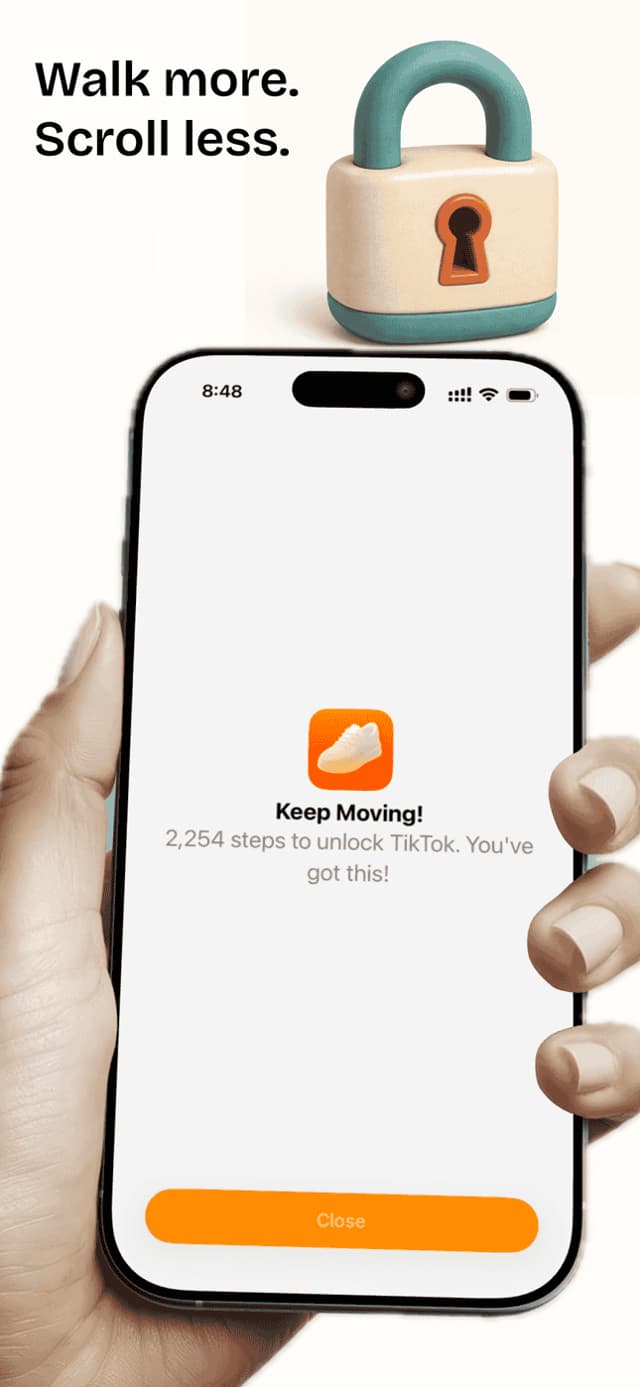
App Lock
Lock your goal settings so colleagues using your phone during demos can't accidentally change your target.
See It In Action
What People Are Saying
“I was shocked to see only 1,200 steps by 3pm on workdays. Just seeing that number made me start taking the stairs and walking to lunch. I'm averaging 7,500 now.”
“I started walking meetings. Instead of sitting in conference rooms, my 1-on-1s are now walking meetings outside. Steps keeps me accountable for hitting 8,000 before dinner.”
“Tax season means 10-hour days at my desk. Steps reminds me I haven't moved and the streak is my motivation to at least walk around the block before dinner.”
Frequently Asked Questions
How many steps should office workers aim for?+
Research suggests office workers benefit significantly from reaching 7,500 to 10,000 steps daily. Even 5,000 steps shows measurable cardiovascular benefits compared to typical sedentary desk worker levels of 2,000 to 3,000 steps.
Can I take walking meetings and have Steps count those steps?+
Yes. Steps counts all steps automatically whether you're in a formal workout or simply walking to a meeting room. Walking meetings are one of the most effective ways for office workers to add steps without extra time.
Can I set hourly step goals?+
Steps shows your hourly step breakdown so you can see when you need to move more. While the main goal is daily, seeing the hourly chart naturally motivates more frequent short walks throughout the day.
Does Steps track standing vs sitting?+
Steps counts steps and movement but does not separately track standing time. For standing desk tracking, Apple Health's stand hours feature from Apple Watch complements Steps nicely.
Is Steps free for workplace use?+
Yes. The free version includes step tracking, hourly charts, goals, and streaks — everything most office workers need to build better movement habits. No workplace account or IT setup is required.
Does Steps work with an Apple Watch at work?+
Yes. Apple Watch tracks your steps throughout the workday hands-free and syncs to Steps. This is especially useful if your work involves moving between areas without your phone.
More Fitness Guides
Move More at Work, Starting Today
Free on the App Store. No subscriptions required to get started.