> ## Documentation Index
> Fetch the complete documentation index at: https://getsteps.app/docs/llms.txt
> Use this file to discover all available pages before exploring further.
# Sharing
> Share your workout achievements with styled images, maps, and GPX export
Steps lets you share your workout achievements as beautifully styled images or export your route data as GPX files.
## Share Styles
Choose from four visual styles when sharing a workout:
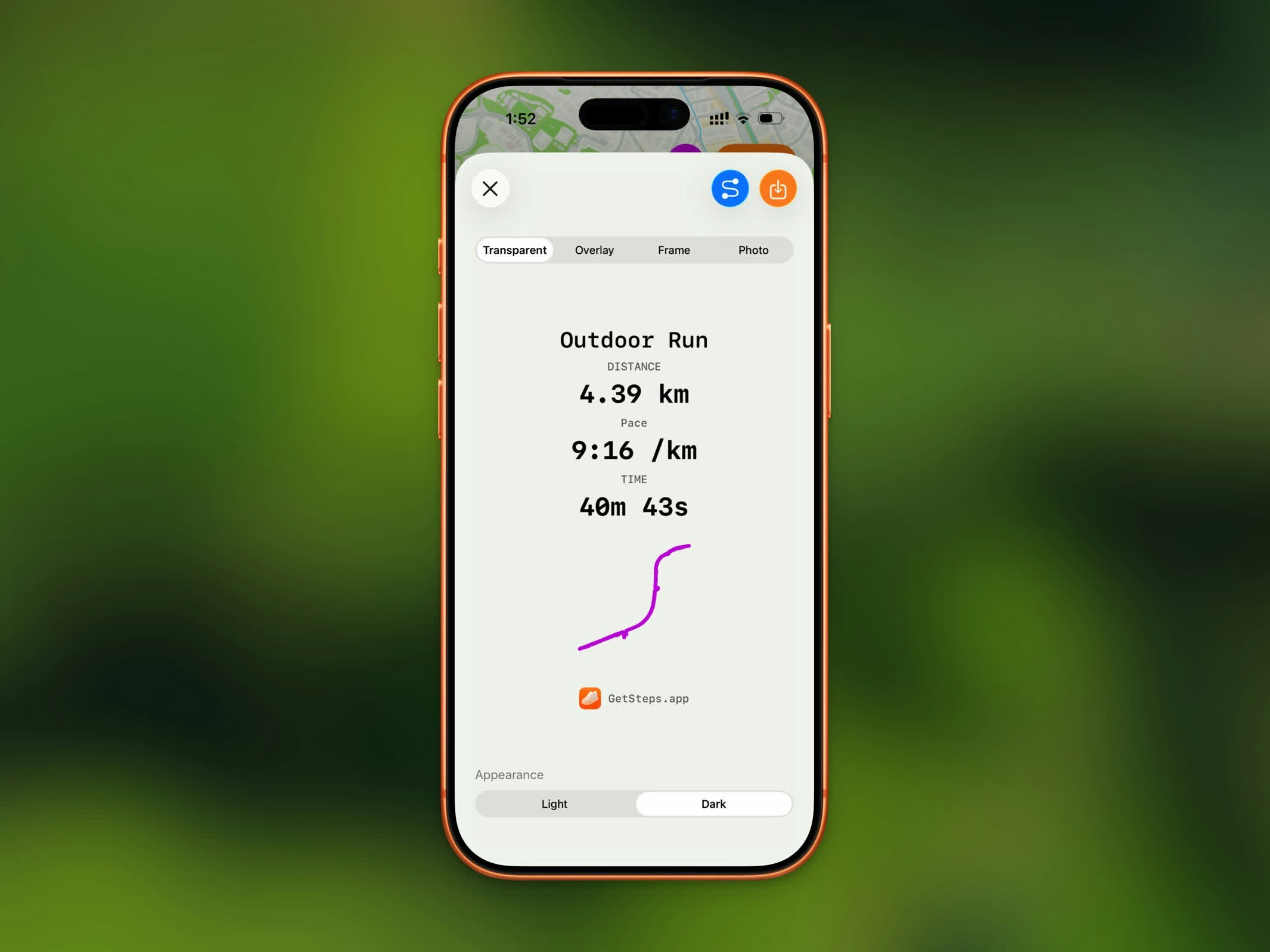
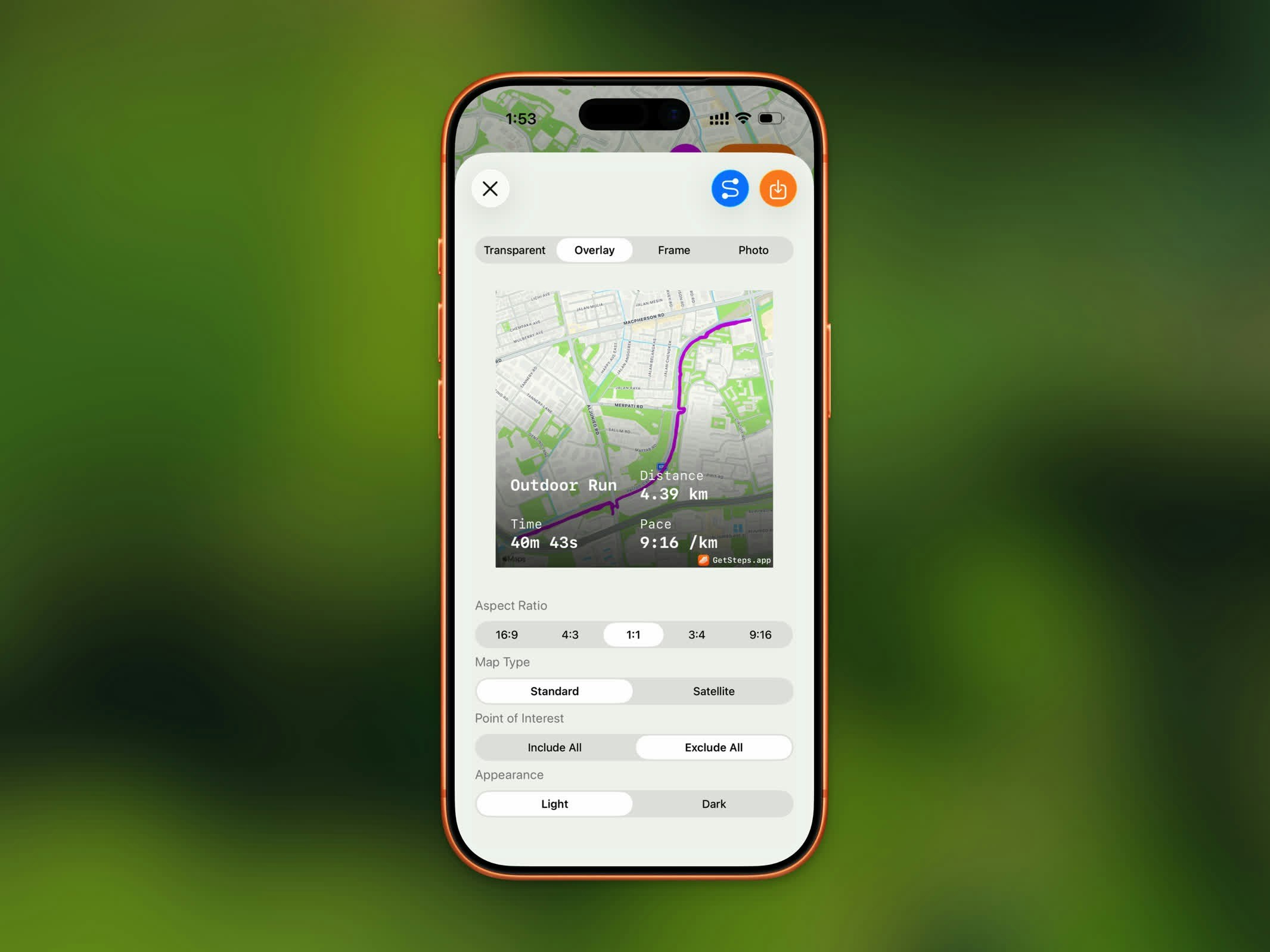
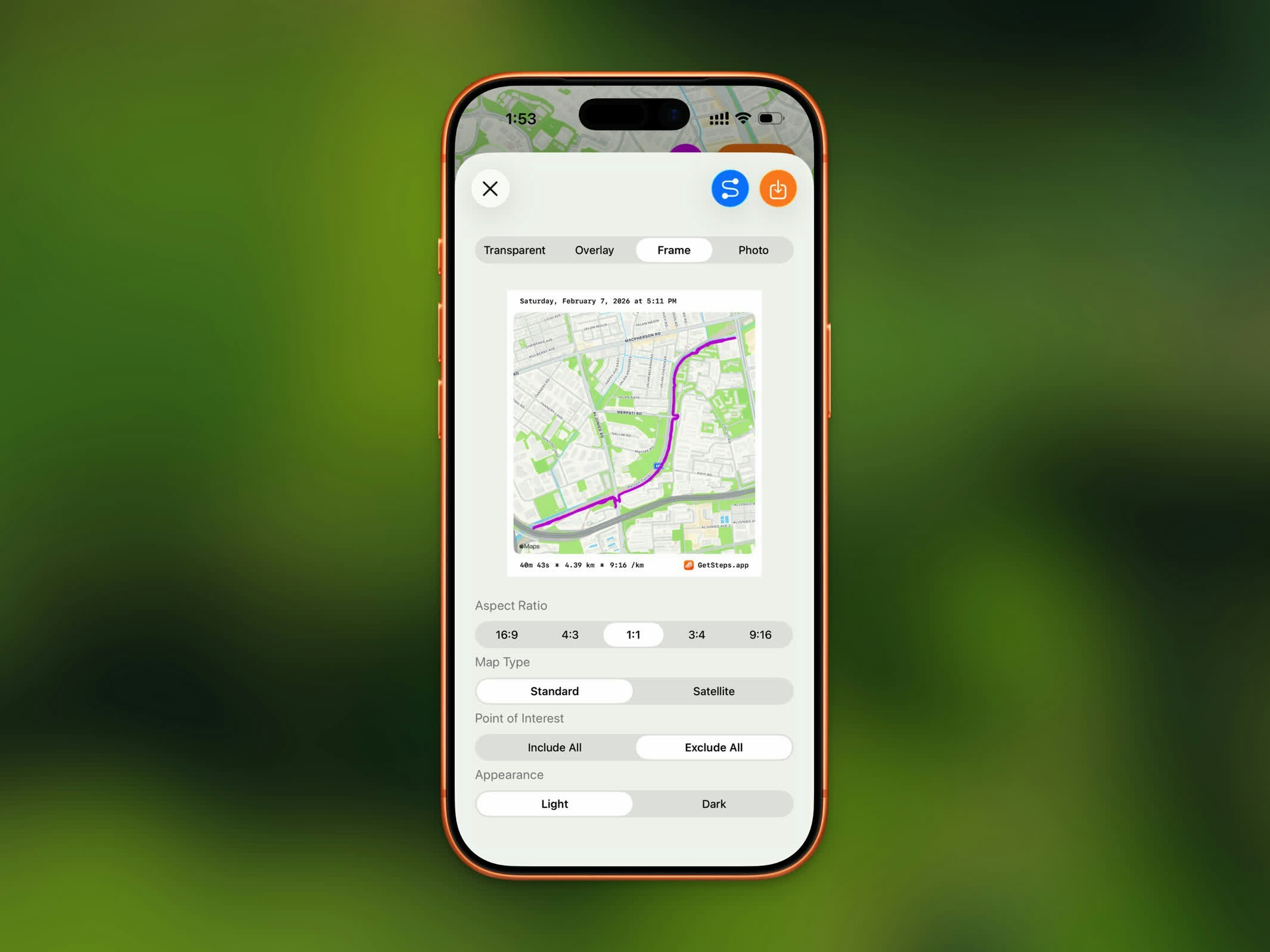
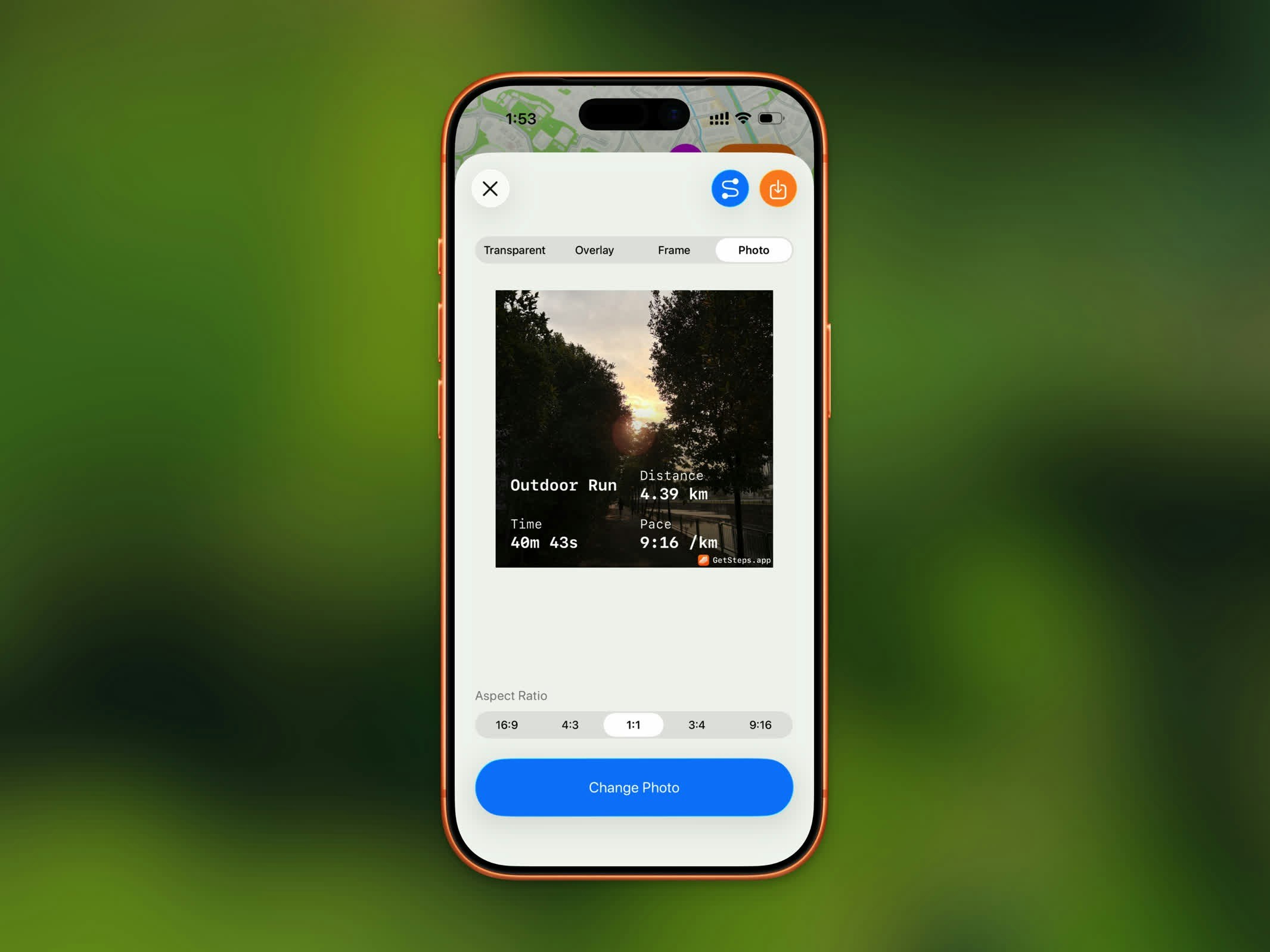 | Style | Description |
| --------------- | ----------------------------------------------------------------------------- |
| **Transparent** | Your workout stats on a transparent background, ready to overlay on any image |
| **Overlay** | Stats overlaid directly on your route map |
| **Frame** | Your route map with a clean bordered stats frame |
| **Photo** | Stats overlaid on a photo you choose from your library |
Overlay and Frame styles require a workout with a GPS route. For workouts without a route, only Transparent and Photo are available.
## Aspect Ratios
Select the best ratio for your sharing destination:
| Ratio | Best For |
| -------- | -------------------------------- |
| **16:9** | YouTube, landscape posts |
| **4:3** | Presentations, landscape photos |
| **1:1** | Instagram feed, profile pictures |
| **3:4** | Portrait photos |
| **9:16** | Instagram Stories, TikTok, Reels |
## Map Options
For Overlay and Frame styles, customize the map appearance:
* **Map Type** - Standard or Satellite
* **Appearance** - Light or Dark
* **Point of Interest** - Include All or Exclude All (Standard map only)
* **Elevation Style** - Flat or Realistic (Satellite map only)
## Save to Photos
Saving to Photos is a Pro feature.
Tap the save button to export your styled workout image as a PNG directly to your photo library.
## GPX Export
GPX export is a Pro feature.
Export your workout route as a `.gpx` file for use in other fitness apps, mapping tools, or route planners. The GPX file includes your complete GPS track with timestamps.
## Share Your Steps
Beyond workouts, you can share your step count straight from the Home Dashboard. Tap the share button in the top toolbar to open the step share preview.
| Style | Description |
| --------------- | ----------------------------------------------------------------------------- |
| **Transparent** | Your workout stats on a transparent background, ready to overlay on any image |
| **Overlay** | Stats overlaid directly on your route map |
| **Frame** | Your route map with a clean bordered stats frame |
| **Photo** | Stats overlaid on a photo you choose from your library |
Overlay and Frame styles require a workout with a GPS route. For workouts without a route, only Transparent and Photo are available.
## Aspect Ratios
Select the best ratio for your sharing destination:
| Ratio | Best For |
| -------- | -------------------------------- |
| **16:9** | YouTube, landscape posts |
| **4:3** | Presentations, landscape photos |
| **1:1** | Instagram feed, profile pictures |
| **3:4** | Portrait photos |
| **9:16** | Instagram Stories, TikTok, Reels |
## Map Options
For Overlay and Frame styles, customize the map appearance:
* **Map Type** - Standard or Satellite
* **Appearance** - Light or Dark
* **Point of Interest** - Include All or Exclude All (Standard map only)
* **Elevation Style** - Flat or Realistic (Satellite map only)
## Save to Photos
Saving to Photos is a Pro feature.
Tap the save button to export your styled workout image as a PNG directly to your photo library.
## GPX Export
GPX export is a Pro feature.
Export your workout route as a `.gpx` file for use in other fitness apps, mapping tools, or route planners. The GPX file includes your complete GPS track with timestamps.
## Share Your Steps
Beyond workouts, you can share your step count straight from the Home Dashboard. Tap the share button in the top toolbar to open the step share preview.

 | Style | Description |
| --------------- | -------------------------------------------------------------------------------------- |
| **Photo** | Your step count and top stats overlaid on a photo from your library |
| **Transparent** | A clean step count on a transparent background, ready to drop onto your own background |
The shared image includes your step count for the selected period along with stats like distance, calories, and flights climbed.
* In **Photo** mode, choose an aspect ratio (Square, 16:9, 4:3, 3:4, or 9:16) and pick a photo.
* In **Transparent** mode, choose a light or dark appearance.
Saving the step image to Photos is a Pro feature.
| Style | Description |
| --------------- | -------------------------------------------------------------------------------------- |
| **Photo** | Your step count and top stats overlaid on a photo from your library |
| **Transparent** | A clean step count on a transparent background, ready to drop onto your own background |
The shared image includes your step count for the selected period along with stats like distance, calories, and flights climbed.
* In **Photo** mode, choose an aspect ratio (Square, 16:9, 4:3, 3:4, or 9:16) and pick a photo.
* In **Transparent** mode, choose a light or dark appearance.
Saving the step image to Photos is a Pro feature.